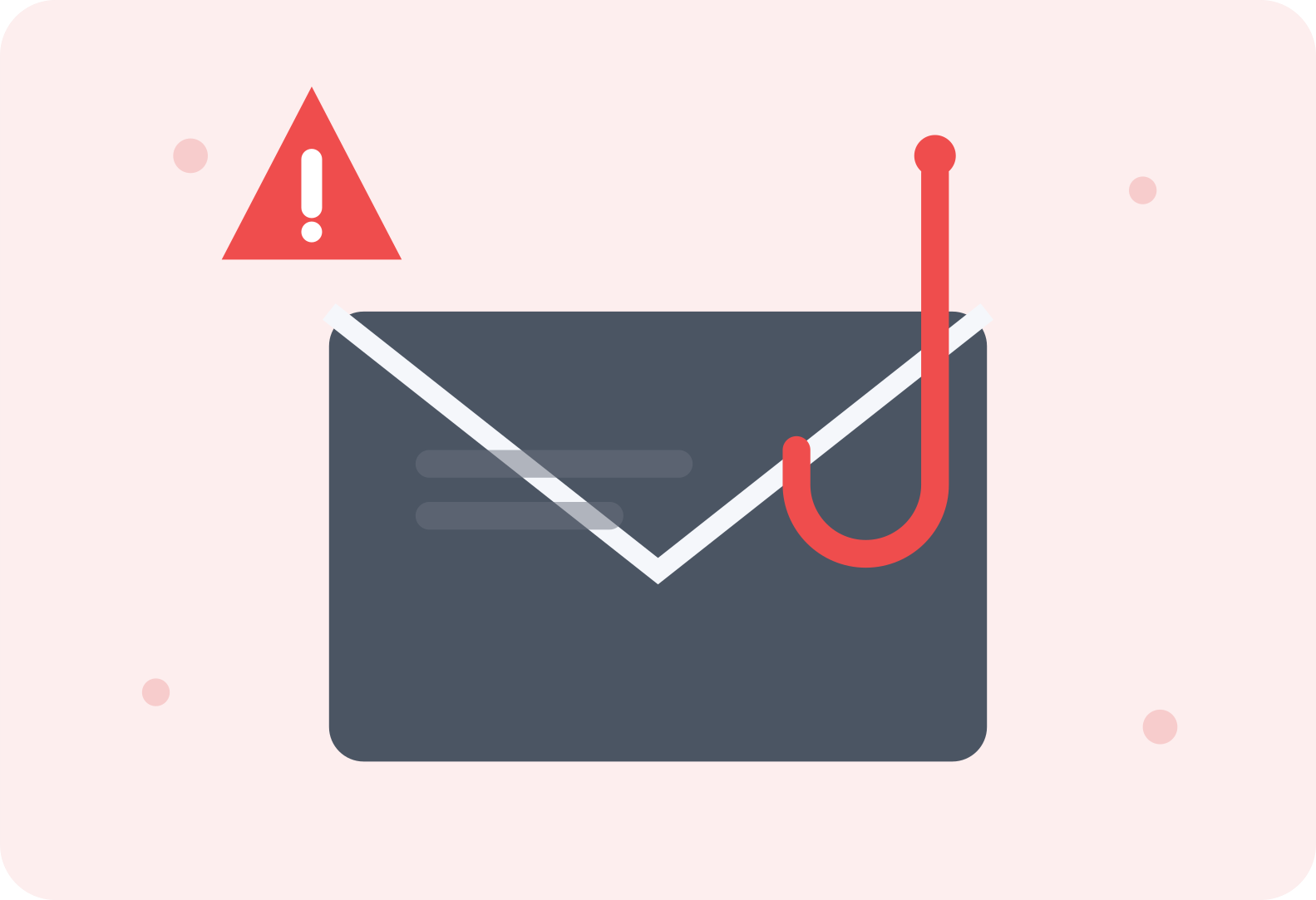
Phishing emails have a reputation for being obviously fake — bad grammar, garish formatting, a supposed prince needing your bank details. That version still exists, but it's increasingly rare. Modern phishing attempts are frequently well-designed, contextually plausible, and specifically crafted to bypass the exact red flags most people have learned to watch for. Recognizing them now requires a slightly different, more careful approach than it used to.
**Check the actual sender address, not just the display name**
Email clients typically show a sender's display name prominently while hiding the actual email address unless you tap or hover to reveal it. A phishing email might display "Amazon Customer Service" as the name while the underlying address is something like "support@amaz0n-security.net" — completely unrelated to Amazon's real domain. Getting in the habit of checking the actual address behind the display name, especially for anything requesting sensitive action, catches a significant portion of phishing attempts immediately.
**Be suspicious of urgency, even when it feels legitimate**
Phishing emails consistently rely on manufactured urgency — your account will be suspended within 24 hours, unusual activity requires immediate verification, a payment failed and needs updating right now. This urgency is designed specifically to short-circuit careful thinking and push you toward acting before you'd normally stop to scrutinize the details. Legitimate organizations occasionally do send time-sensitive messages, but the combination of urgency plus a request to click a link or provide information is a pattern worth treating with real suspicion regardless of how official the message looks.
**Hover over links before clicking, to see where they actually lead**
On a computer, hovering your cursor over a link (without clicking) typically shows the actual destination URL, usually in a small preview at the bottom of your screen. On mobile, a long press often reveals the same information. If the displayed link text says "Log in to your account" but the actual underlying URL is a completely unrelated or slightly misspelled domain, that mismatch is one of the clearest phishing signals available, and it's genuinely worth checking before clicking anything in an email requesting action.
**Be wary of generic greetings for supposedly personal accounts**
An email claiming to be from your bank, a service you actually use, or a company that should have your name on file, but addressing you as "Dear Customer" or "Dear User" rather than by name, is worth extra scrutiny. Legitimate companies with your actual account information typically personalize their communications, while mass phishing campaigns sent to thousands of addresses at once often can't include this level of personalization.
**Look closely at logos, formatting, and overall polish**
While sophisticated phishing has improved dramatically in visual quality, subtle inconsistencies still show up more often than not — a logo that's slightly the wrong resolution or color, formatting that doesn't quite match the company's actual style, or a general layout that feels almost right but not quite. This is a softer signal than some others, since good phishing can genuinely nail the visual details, but it's still worth a moment's attention alongside other red flags.
**Never provide sensitive information directly through an email link**
Legitimate companies almost universally direct you to log in through their official website or app directly, rather than asking you to enter passwords, account numbers, or personal information through a form embedded in or linked from an email. If an email is specifically requesting this kind of sensitive information, the safer approach is closing the email entirely and navigating to the company's site independently, by typing the address yourself or using a bookmark, rather than clicking through the email's link at all.
**Be cautious with unexpected attachments, even from familiar-seeming senders**
Phishing attempts sometimes include malicious attachments disguised as invoices, shipping confirmations, or documents requiring your review. If you weren't expecting an attachment, or the framing feels slightly off even from what appears to be a known contact (whose account itself might have been compromised), it's worth verifying through a separate channel — a text message or phone call — before opening anything, rather than assuming familiarity means safety.
**When in doubt, verify independently rather than responding directly**
If an email claims to be from your bank, a service provider, or your employer and requests some action, the safest verification method is contacting that organization directly through a phone number or website you already know is legitimate, rather than using any contact information provided within the potentially suspicious email itself. This single habit closes off nearly every sophisticated phishing attempt, because it removes the attacker's ability to control both the fake message and your path to verifying it.
**The bottom line**
Phishing has become sophisticated enough that relying purely on obvious red flags like bad grammar is no longer sufficient protection. Checking actual sender addresses, hovering over links before clicking, and independently verifying anything requesting sensitive action or urgent response covers the vast majority of real-world phishing attempts, even the well-crafted ones that would otherwise be genuinely convincing at a glance.

Leave a comment
Your email address will not be published. Required fields are marked *