Clicking through to an unfamiliar website and being asked to enter your email, payment details, or personal information triggers a moment of quiet hesitation for most people, even if they don't consciously articulate it. That instinct is worth listening to, but instinct alone isn't a reliable filter — some genuinely safe sites look a little rough around the edges, and some genuinely dangerous ones look polished and professional. Here's what actually distinguishes a safe site from a risky one.
**Check for HTTPS, but understand its real limits**
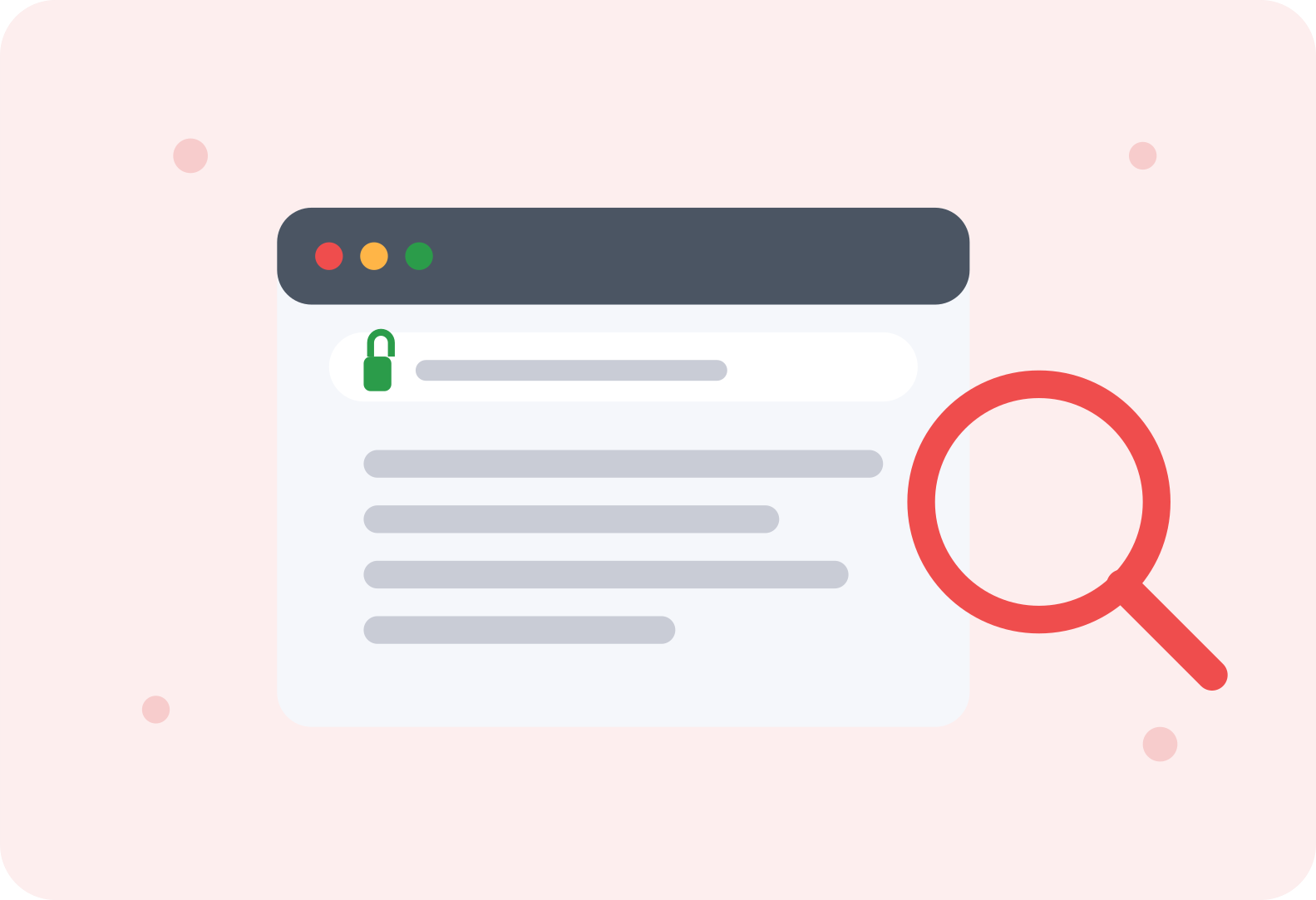
The padlock icon next to a website's address, or a URL starting with "https" rather than "http," indicates the connection between you and that site is encrypted. This matters and is worth checking, but it's important to understand what it doesn't tell you: HTTPS confirms your connection is private, not that the site itself is trustworthy or legitimate. Scam websites can and often do use HTTPS just as easily as legitimate ones — encryption has become so standard and easy to set up that its absence is now a red flag, but its presence alone isn't proof of safety.
**Scrutinize the actual domain name carefully**
Scammers frequently create URLs designed to look almost identical to legitimate ones at a glance — "amaz0n.com" with a zero instead of an O, or "paypal-secure-login.com" instead of the real paypal.com. Before entering any sensitive information, take a genuine moment to read the domain name character by character, particularly if you arrived at the site through a link in an email or text message rather than typing it yourself or reaching it through a trusted search result.
**Be wary of urgency and pressure tactics**
Legitimate businesses rarely need you to act within the next ten minutes or risk losing a deal forever. Countdown timers, aggressive pop-ups insisting you'll lose your cart contents immediately, or messaging that creates artificial panic are common tactics designed to short-circuit careful thinking. If a site is pushing you to act faster than you'd naturally want to, that pressure itself is worth treating as a signal to slow down rather than speed up.
**Look for genuine, verifiable contact information**
Legitimate businesses typically provide real contact information — a physical address, a working customer service phone number, a professional-looking email domain that matches their actual business name. Scam sites frequently have no contact information at all, or provide only a generic contact form with no other way to reach an actual person. If you can't find any verifiable way to contact the business behind a site, that absence is meaningful.
**Search for the business or site name independently**
Before entering payment information on an unfamiliar site, a quick search for the business name alongside words like "reviews" or "scam" often surfaces real information from other people's experiences. This won't catch every problem, especially with brand-new scam sites that haven't been reported yet, but it catches a surprising number of known problem sites relatively quickly and costs almost nothing to check.
**Evaluate the overall quality and consistency of the site**
Scam sites often have subtle inconsistencies that a careful look reveals — mismatched fonts, slightly awkward phrasing that suggests a non-native translation, product images that look suspiciously professional for the prices being offered, or a checkout process that feels noticeably different in quality from the rest of the site. None of these signs are definitive on their own, but multiple small inconsistencies together are worth taking seriously.
**Be especially cautious with deals that seem genuinely too good**
A legitimate retailer selling a popular product at 80% off, with no clear explanation (clearance, discontinued model, seasonal sale) tends to be one of the more reliable red flags for a scam site. Real businesses have real profit margins to maintain; an unexplained, dramatic discount on a desirable item is a common lure specifically because it works on people's genuine excitement about a good deal.
**Use a credit card rather than a debit card for unfamiliar sites**
This isn't about detecting a scam site directly, but it's a meaningful protective habit regardless. Credit cards generally offer stronger fraud protection and easier dispute processes than debit cards, which draw directly from your bank account. If you do end up on a fraudulent site despite taking precautions, using a credit card gives you a considerably stronger position for disputing the charge and recovering your money.
**Trust your hesitation, and take the extra minute**
If something about a site feels off, even if you can't immediately articulate exactly why, that hesitation is worth respecting rather than overriding because you're in a hurry. Taking an extra minute to check the domain, search for reviews, or look for contact information costs very little compared to the potential cost of proceeding with a legitimately unsafe site.
**The bottom line**
No single check guarantees a website is safe, but combining several of these signals — a correct domain, verifiable contact information, the absence of manufactured urgency, and a quick independent search — gives you a genuinely reliable read on most sites before you commit any sensitive information. Scam sites are getting more sophisticated, but they still tend to reveal themselves through a combination of these smaller signals if you take the time to actually look.

Leave a comment
Your email address will not be published. Required fields are marked *