Learning web development can feel confusing when you first start. There are hundreds of courses, YouTube channels, and blog posts all telling you different things. Some people say you should jump straight into React. Others say you must master JavaScript deeply before touching anything else. The result? Many beginners get stuck, overwhelmed, or give up.
This guide cuts through the noise. I’m going to give you a simple, realistic roadmap that focuses only on what actually matters in 2026 for someone starting from zero. Follow this path in order and you’ll build a solid foundation without wasting time.
### Why This Order Matters
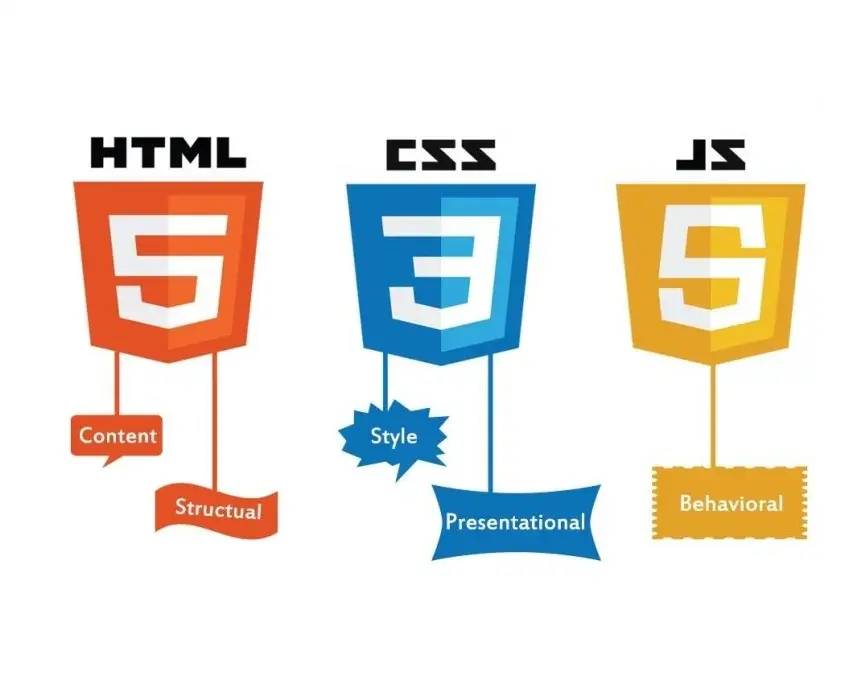
HTML, CSS, and JavaScript are the three core languages of the web. Everything else (React, Vue, Next.js, Tailwind, etc.) is built on top of them. If you skip the basics, you’ll struggle later when things break or when you need to customize something.
Think of it like learning to drive:
- HTML is learning the road signs and basic controls
- CSS is learning how to make the car look good and handle properly
- JavaScript is learning how to actually drive and react to situations
You need all three, but in the right sequence.
### Phase 1: HTML – Build the Structure (1–2 weeks)
**Goal:** Be able to create the structure of any simple webpage without looking everything up.
**What to learn:**
- Basic document structure (`<!DOCTYPE html>`, `<html>`, `<head>`, `<body>`)
- Headings (`h1` to `h6`)
- Paragraphs, links, and images
- Lists (ordered and unordered)
- Divs and spans
- Forms (input, button, textarea, select)
- Semantic elements (`header`, `nav`, `main`, `section`, `footer`, `article`)
- Tables (basic usage)
**How to practice:**
1. Recreate simple pages by hand (a personal profile page, a restaurant menu, a simple blog layout).
2. Use only a text editor and the browser — no website builders.
3. Challenge: Build a complete one-page website about yourself using only HTML.
**Free resources that work well:**
- freeCodeCamp – Responsive Web Design (HTML section)
- MDN Web Docs (HTML basics)
- The Odin Project – Foundations
**Time estimate:** 10–15 focused hours.
Don’t move on until you can write a clean HTML page from memory and understand what each tag does.
### Phase 2: CSS – Make It Look Good (2–3 weeks)
**Goal:** Be able to style a page so it looks modern and works on both desktop and mobile.
**What to learn (in this order):**
1. Selectors (element, class, ID, descendant)
2. Colors, fonts, and text styling
3. The box model (margin, padding, border, width, height)
4. Display and positioning (block, inline, inline-block, relative, absolute)
5. Flexbox (this is extremely important)
6. CSS Grid (learn the basics)
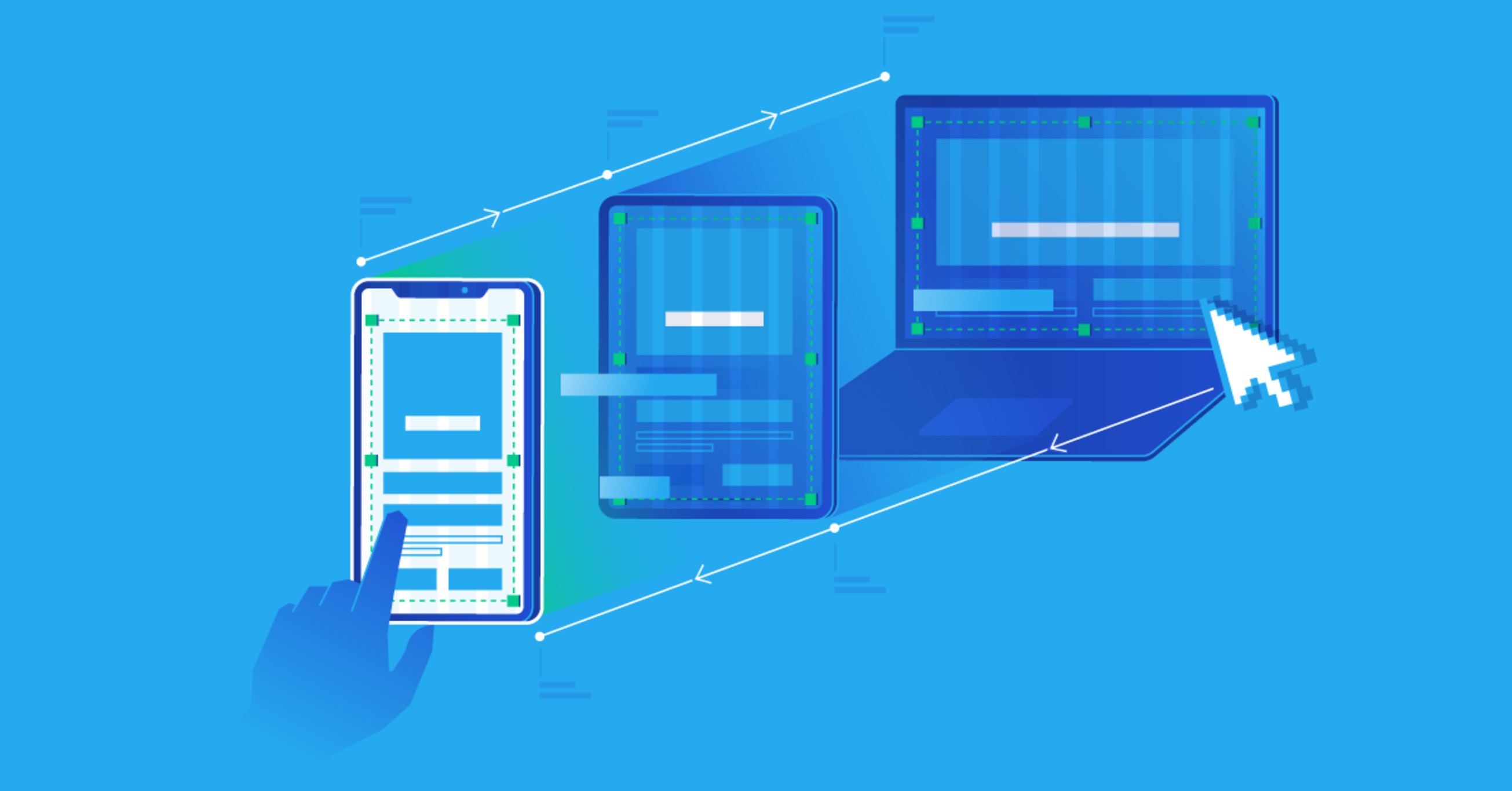
7. Responsive design with media queries
8. Simple transitions and hover effects
**How to practice:**
- Take the HTML pages you already built and style them.
- Recreate the layout of websites you like (start with simple ones).
- Practice Flexbox daily using games like Flexbox Froggy.
- Build at least three different layouts: a blog, a landing page, and a simple dashboard-style page.
**Key mindset:**
Don’t try to memorize every CSS property. Focus on understanding the box model and Flexbox deeply. These two skills alone will solve 80% of your layout problems.
**Time estimate:** 20–30 focused hours.
### Phase 3: JavaScript – Add Interactivity (3–5 weeks)
**Goal:** Be able to make websites respond to user actions and handle basic logic.
**What to learn (in this exact order):**
1. Variables (`let`, `const`)
2. Data types (strings, numbers, booleans, arrays, objects)
3. Basic operators and conditionals (`if/else`)
4. Loops (`for`, `while`, `forEach`)
5. Functions
6. DOM manipulation (selecting elements, changing content, styles, and attributes)
7. Events (click, submit, input, etc.)
8. Basic array methods (`map`, `filter`, `find`)
9. Fetching data from an API (very basic)
**How to practice:**
Start with tiny projects:
- A button that changes the background color
- A simple counter
- A to-do list (add, delete, mark as complete)
- A digital clock
- A quote generator that pulls from an API
These small projects teach you far more than watching tutorials.
**Important advice for 2026:**
You do **not** need to master advanced JavaScript topics (closures, prototypes, async/await in depth, etc.) before building real projects. Learn those concepts when you actually need them.
**Time estimate:** 30–50 focused hours depending on how consistent you are.
### Recommended Overall Timeline
| Phase | Focus | Time Needed | Milestone |
|--------------------|------------------------|-----------------|------------------------------------|
| Phase 1 | HTML | 1–2 weeks | Clean multi-section HTML page |
| Phase 2 | CSS + Responsive | 2–3 weeks | Styled, mobile-friendly pages |
| Phase 3 | JavaScript Basics | 3–5 weeks | 4–5 small interactive projects |
| **Total** | Core Foundation | **6–10 weeks** | Ready for real projects |
This timeline assumes you study 1–2 hours per day consistently. If you can do more, you’ll move faster.
### What You Should Avoid as a Beginner
- Jumping into React, Next.js, or Tailwind too early
- Watching 10 different YouTube channels at the same time
- Trying to learn everything perfectly before building anything
- Comparing your progress to people who have been coding for years
- Buying expensive courses before you’ve practiced the free material
### Tools You Actually Need in 2026
- **Code editor:** Visual Studio Code (free)
- **Browser:** Chrome or Firefox (with Developer Tools)
- **Version control (later):** Git + GitHub
- **Practice platforms:** freeCodeCamp, Frontend Mentor, CodePen
That’s enough to get started. You don’t need a fancy setup.
### How to Know You’re Ready for the Next Level
You’re ready to move beyond the basics when you can:
- Build a multi-page website with clean HTML and CSS
- Make the layout fully responsive
- Add interactive features with JavaScript (forms, buttons, dynamic content)
- Debug simple problems using the browser console
At that point, you can start learning a modern tool like React or explore more advanced CSS and JavaScript.
### Final Advice
The biggest difference between people who succeed and those who quit is consistency, not talent. One focused hour every day beats seven hours once a week.
Build something small every week. Share it. Break it. Fix it. That cycle is how real skill is built.
You now have a clear roadmap. The only thing left is to start with Phase 1 today.
You’ve got this.

Leave a comment
Your email address will not be published. Required fields are marked *