How to Create a Professional Website Without Being a Programmer
A few years ago, creating a website could feel like a job reserved for programmers.
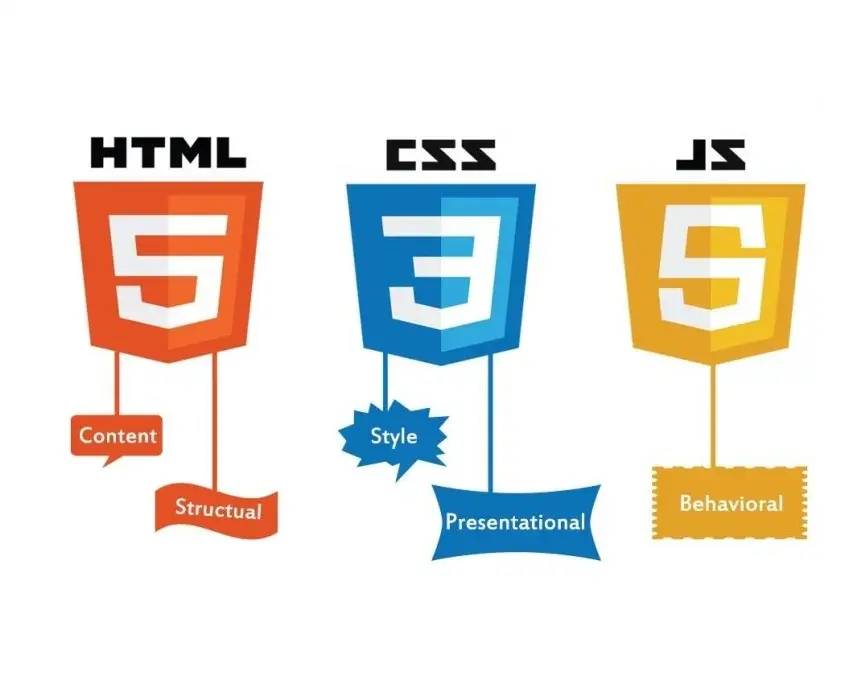
You needed to understand HTML, CSS, JavaScript, databases, hosting, domains, and a long list of other technical terms.
Today, things are different.
There are website builders, content management systems, templates, hosting platforms, and AI-powered tools that can help beginners create websites without writing every line of code themselves.
That doesn't mean you can build a great website without learning anything. It simply means the barrier to getting started is much lower.
If you're a small business owner, freelancer, student, creator, or someone with an idea for a website, here's where to begin.
1. Decide What the Website Is For
Before choosing a platform, answer one simple question:
Why does this website exist?
A business website might be designed to attract customers.
A portfolio might be designed to showcase someone's work.
A blog might be designed to educate readers.
An online store needs to help people discover and purchase products.
A community website might focus on interaction between users.
This sounds obvious, but it's an important step.
If you don't know what the website is supposed to accomplish, it's easy to spend hours changing colors, fonts, and images without actually improving the site.
2. Choose a Domain Name
A domain is the address people type into their browser to reach your website.
For example:
example.com
Try to choose something that is:
- Easy to remember
- Easy to spell
- Relevant to your brand
- Not unnecessarily long
- Available for registration
If you're building a business, your domain should ideally match or closely relate to your business name.
Avoid adding unnecessary numbers, strange spellings, or complicated combinations simply because the exact name you wanted isn't available.
3. Choose Your Website Platform
This is where beginners have several options.
Website Builders
Website builders allow you to create pages using visual tools rather than writing everything manually.
They're useful when you want to get a simple website online quickly.
WordPress
WordPress is a popular content management system that can be used for blogs, business websites, portfolios, and many other types of websites.
It offers a huge ecosystem of themes and plugins.
The downside is that beginners may need to spend some time learning how hosting, updates, plugins, themes, backups, and security work.
Custom Development
If you need something highly specific, custom development may make more sense.
This gives you much greater control over the website, but it requires more technical knowledge or the help of a developer.
For someone who doesn't know how to code, this is usually not the easiest place to start.
4. Get Web Hosting
If your website uses a platform that requires separate hosting, you'll need a hosting provider.
Web hosting is essentially where the files and other resources that make up your website are stored so that visitors can access them over the internet.
Hosting plans can differ considerably in:
- Storage
- Performance
- Traffic limits
- Security features
- Backups
- Customer support
- Server locations
Don't choose a hosting provider simply because it advertises the cheapest price.
Think about what your website actually needs.
A small personal blog has very different requirements from a busy online store.
5. Plan Your Main Pages
A professional website doesn't need dozens of pages.
For a simple business website, you might start with:
- Home
- About
- Services
- Contact
- Privacy Policy
- Terms and Conditions
For a blog, you might have:
- Home
- Categories
- Articles
- About
- Contact
- Privacy Policy
- Terms and Conditions
The exact structure depends on the purpose of the website.
Keep the navigation simple enough that a first-time visitor can understand it immediately.
6. Focus on the Homepage
Your homepage is often the first impression visitors get.
It should answer three basic questions quickly:
What is this website?
Who is it for?
What should I do next?
For example, a web-development business could have a headline such as:
«“Professional Websites for Growing Businesses”»
followed by a short explanation and a clear button leading to its services or contact page.
You don't need ten different buttons competing for attention.
Give visitors a clear next step.
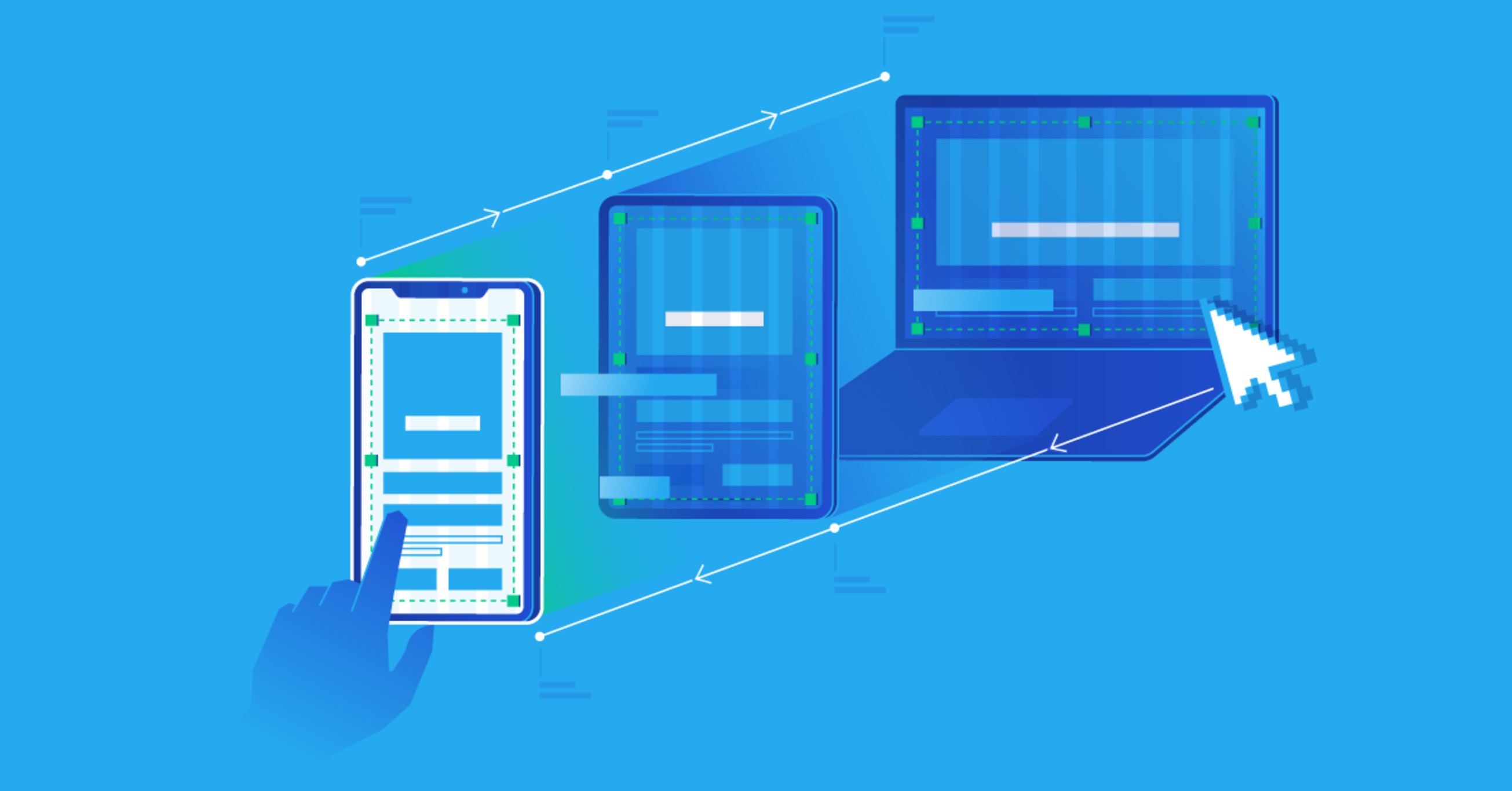
7. Make the Website Mobile-Friendly
This is extremely important.
A large percentage of internet users access websites using smartphones.
A website that looks beautiful on a large computer screen but becomes difficult to use on a phone isn't a professional website.
Check things such as:
- Text size
- Button size
- Navigation
- Images
- Page spacing
- Forms
- Tables
- Horizontal scrolling
Open your website on an actual phone and use it like a normal visitor.
Don't assume that because the desktop version looks good, the mobile version will automatically be fine.
8. Use a Simple Design
Beginners sometimes think a professional website needs lots of animations, colors, effects, and moving elements.
Usually, it doesn't.
A good website often has:
- Clear typography
- Consistent colors
- Plenty of spacing
- High-quality images
- Easy navigation
- Clear headings
- Consistent buttons
The design should support the content rather than compete with it.
If visitors can't figure out where to click because there are animations everywhere, the design is working against you.
9. Write Useful Content
A beautiful website with nothing useful to say isn't very valuable.
If you're creating a business website, explain:
- What you offer
- Who you help
- What problem you solve
- Why customers should consider you
- How they can contact you
If you're creating a blog, focus on answering questions your readers actually have.
Avoid filling pages with generic statements simply to make the website look bigger.
Useful content is more important than word count.
10. Add Contact Information
Make it easy for visitors to contact you.
Depending on the type of website, this could include:
- Phone number
- Contact form
- Business address
- Social media profiles
- WhatsApp or another messaging option
Don't make someone search through five pages just to find out how to contact you.
11. Secure Your Website
Security shouldn't be an afterthought.
At a minimum, make sure your website uses HTTPS and keep your software, plugins, themes, and other components updated where applicable.
Use strong passwords and enable additional account security features when available.
If you manage a website for a business, regular backups are also extremely important.
A website can take months or years to build. Don't let one technical problem erase everything.
12. Test Before Launching
Before announcing your website to everyone, test it.
Click the navigation links.
Submit the contact form.
Open pages on your phone.
Check images.
Test important buttons.
Look for spelling mistakes.
Try different browsers.
If possible, ask another person to use the website without explaining how it works.
Watch where they get confused.
You may discover problems that you never noticed because you're already familiar with the website.
What About AI Website Builders?
AI is making website creation even more accessible.
Some tools can generate layouts, write initial content, create code, or help users make design decisions.
These tools can save time, especially during the early stages of a project.
But don't assume that an AI-generated website is automatically a good website.
Review everything.
Check the content.
Test the functionality.
Replace generic text.
Make sure the design actually fits the intended audience.
AI can help you build faster, but you still need to decide what should be built.
Do You Need to Learn Coding?
Not necessarily.
If your goal is to create a simple blog, portfolio, or business website, you can often get started without programming.
However, learning basic HTML, CSS, and JavaScript can still be extremely valuable.
Even if you eventually use a website builder, basic technical knowledge helps you understand what is happening behind the interface and troubleshoot simple problems.
And if you discover that you genuinely enjoy web development, you can gradually move from no-code tools into actual programming.
Final Thoughts
Creating a website is easier today than it has ever been.
But the easiest way to create one isn't necessarily the best way to create one.
Start with the purpose.
Choose the right platform.
Keep the design simple.
Make it work properly on mobile devices.
Write useful content.
Make it easy for visitors to contact you.
And test everything before launch.
You don't need to be a professional programmer to create your first website.
You just need a clear purpose, the right tools, and a willingness to learn.
This article is part of Alvonbot.com's Digital Skills and Web Technology series.

Leave a comment
Your email address will not be published. Required fields are marked *